How to Create a Digital Clock with Python 🤔
Source Code:
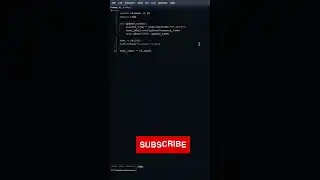
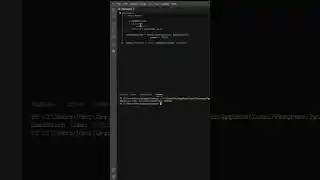
import tkinter as tk
import time
def update_time():
current_time = time.strftime("%H:%M:%S")
time_label.config(text=current_time)
root.after(1000, update_time)
root = tk.Tk()
root.title("Digital Clock")
time_label = tk.Label(root, font=("Helvitica", 80))
time_label.pack(padx=50, pady=20)
update_time()
root.mainloop()
#programming #coding #python #howto #clock
On this page of the site you can watch the video online How to Create a Digital Clock with Python 🤔 with a duration of hours minute second in good quality, which was uploaded by the user CodeWithLawrenzo 23 July 2023, share the link with friends and acquaintances, this video has already been watched 139 times on youtube and it was liked by 15 viewers. Enjoy your viewing!