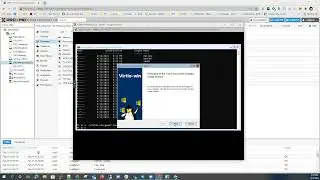
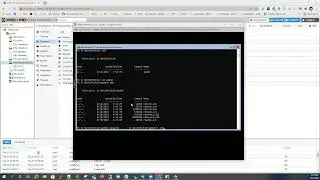
Resolving Nutanix CVM malformed network interface file with NCC version 4.x
Welcome and thanks for taking the time to view this video where we will be looking at
resolving an issue with a malformed /etc/sysconfig/network-scripts/ifcfg-eth0 file on Nutanix CVMs which may prevent the CVM(s) to boot properly during a planned upgrade or maintenance activity.
Useful commands in this video:
Run a NCC health check on a CVM: ncc health_checks run_all
Get the CVM IPs in the cluster: svmips
Editing the network interface file on the CVM: sudo vi /etc/sysconfig/network-scripts/ifcfg-eth0
Once the vi editor is opened, press the INSERT key to place the texted editor into INSERT mode.
Add: TYPE="Ethernet" line to the file.
Validate the changes, then press the ESC key to exit the text editor's INSERT mode and save the changes by running:
:wq!
Nutanix - https://www.nutanix.com
Music in this video:
Title: Rocket Fuel
Publisher: Digital Juice Music Inc.
Composer(s): Richard Ames
All 3rd party rights are exclusive to the property of the respective entities.
Hope that this was informative and that you enjoyed this video.
We look forward to providing future content that may help you.
If you find this video helpful and would like to help out this channel, please like the video, subscribe for future content and comment below.
On this page of the site you can watch the video online Resolving Nutanix CVM malformed network interface file with NCC version 4.x with a duration of hours minute second in good quality, which was uploaded by the user AltoSpheric Youtube 25 September 2021, share the link with friends and acquaintances, this video has already been watched 217 times on youtube and it was liked by 1 viewers. Enjoy your viewing!




![SYTYCD4 - Katee & Joshua - Bollywood (Dhoom Taana) [HD]](https://image.4k-video.cc/id-video/9NdPGzIkqTM)