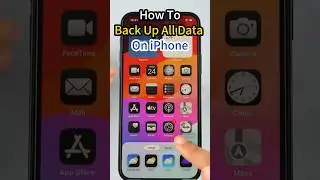
How to lock the current app when lending your iPhone to someone else
OK go to settings
scroll down to accessibility
select guided Access
open it
You need to set a password.
Toggle face ID recognition and set password
Whenever you lend your phone to someone to look at an app
You simply tap the power button three times
Then launch the guide access
Select the entire area
If they try to close the app
They won't be able to cancel
Tap the power button three times again
Then enter your code and close
Thank me later and stay tuned for more information
Subscribe to the iMyFone Channel ► https://rebrand.ly/d4e1d9
----------------------------------------------------------------------------------------
🌟Follow us on :
Facebook: / imyfone
Twitter: / imyfone_
Instagram: / imyfone_offical
Hashtags:
On this page of the site you can watch the video online How to lock the current app when lending your iPhone to someone else with a duration of hours minute second in good quality, which was uploaded by the user iMyFone 11 January 2024, share the link with friends and acquaintances, this video has already been watched 421 times on youtube and it was liked by 5 viewers. Enjoy your viewing!