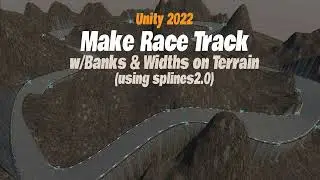
Make Lowpoly Race Track4
00:00 intro
36:04 curve smoothness, twist
02:43:04 from scratch, grid
03:41:03 visuals cavity, statistics
04:33:03 track segment, cube
12:13:01 make curve with hills
14:10:00 track to curve. fit twist smooth
17:15:05 color the track
20:37:04 grid to landscape
27:10:00 color the landscape
27:58:02 lowpoly the landscape, decimate
29:37:05 back to color landscape
36:50:07 seperate track mesh (road, barrier, etc)
40:29:09 export and use in Unity
This is my fourth make a race track tutorial in blender. I know.. but it's got new ideas in it like: how to stop the twist when adding hills, how to make the track smoother with no polygons in the curving, plus I have integrated a matching low poly landscape setting in the background with the track.
The tutorials is broken up into chapters for easier navigation.
On this page of the site you can watch the video online Make Lowpoly Race Track4 with a duration of hours minute second in good quality, which was uploaded by the user Omar Santiago 08 July 2022, share the link with friends and acquaintances, this video has already been watched 2,348 times on youtube and it was liked by 83 viewers. Enjoy your viewing!