How to set up a Squid Proxy with basic username and password authentication on Centos 7
Set Basic Authentication and limit squid for users to require authentication
Squid is a web proxy and cache server which primarily provides proxy and cache services for the HTTP protocol.
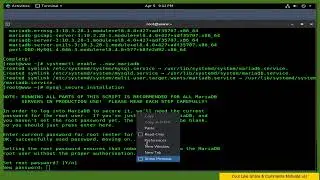
yum -y install squid httpd-tools
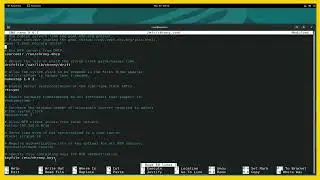
gedit /etc/squid/squid.conf
acl lan src 192.168.0.10/24
auth_param basic program /usr/lib64/squid/basic_ncsa_auth /etc/squid/.htpasswd
auth_param basic children 5
auth_param basic realm Squid Basic Authentication
auth_param basic credentialsttl 5 hours
acl password proxy_auth REQUIRED
http_access allow password
http_access allow lan
Add Follows To The end
request_header_access Referer deny all
request_header_access X-Forwarded-For deny all
request_header_access Via deny all
request_header_access Cache-Control deny all
Do not display IP address
forwarded_for off
htpasswd -c /etc/squid/.htpasswd cent
systemctl start squid && systemctl enable squid
firewall-cmd --zone=public --add-port=3128/tcp --permanent && firewall-cmd --reload
tail -f /var/log/squid/access.log
On this page of the site you can watch the video online How to set up a Squid Proxy with basic username and password authentication on Centos 7 with a duration of hours minute second in good quality, which was uploaded by the user Quick Notepad Tutorial 12 July 2017, share the link with friends and acquaintances, this video has already been watched 5,397 times on youtube and it was liked by 24 viewers. Enjoy your viewing!