Creating and deleting logical volumes
This video is part of a course titled Linux LVM Fundamentals using Ubuntu 18.04. Here is a link to the course: https://dev9.us/course/linux-lvm-fund...
Video objectives:
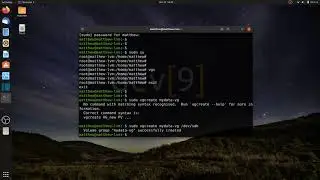
Create a Logical Volume (LV) that uses all available space
Create a Logical Volume that uses all available space of a single storage device
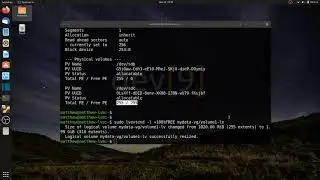
Create a Logical Volume that uses a fixed amount of space
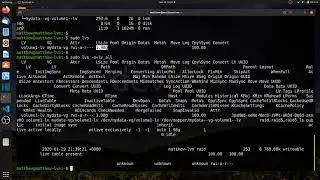
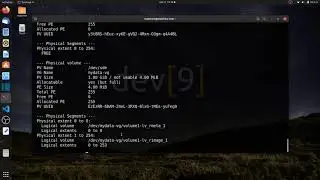
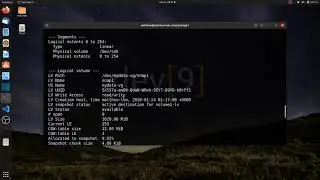
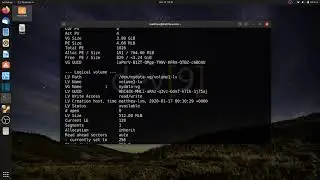
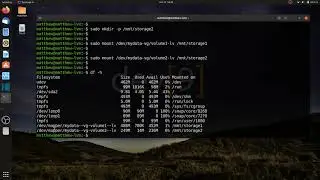
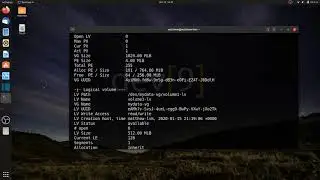
Display details about Logical Volumes
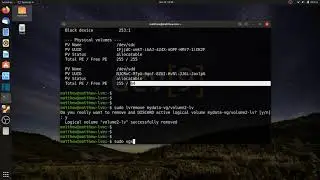
Remove Logical Volumes from your Volume Group (VG)
Commands used:
lvcreate -L 512M -n volume1-lv mydata-vg
lvcreate -l 50%FREE -n volume2-lv mydata-vg
lvcreate -l 100%FREE -n volume3-lv mydata-vg
lvs
lvdisplay -m
lvremove mydata-vg/volume3-lv
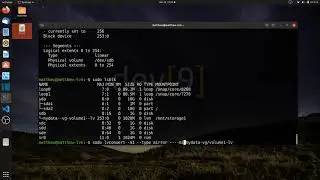
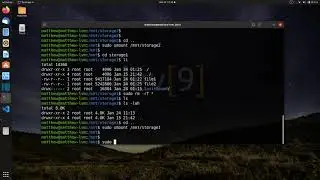
lsblk
On this page of the site you can watch the video online Creating and deleting logical volumes with a duration of hours minute second in good quality, which was uploaded by the user lecture snippets 15 January 2020, share the link with friends and acquaintances, this video has already been watched 2,835 times on youtube and it was liked by 26 viewers. Enjoy your viewing!