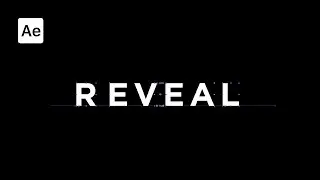
Cyberpunk Glitch Text Animation in After Effects | After Effects Tutorial
In this tutorial, you'll learn how to create an awesome cyberpunk-style glitch text animation in Adobe After Effects! This modern, neon-glow design is perfect for adding a futuristic, edgy vibe to your text animations. Whether you're working on a gaming intro, a sci-fi video project, or just want to level up your After Effects skills, this tutorial is for you!
No plugins needed! I’ll walk you through every step to help you create a glitchy, digital look, perfect for that iconic cyberpunk aesthetic.
💾 Grab this template and save time on your projects : https://www.sheikhsohel.com/product-p...
🔗 Support Me:
☕ Buy me a coffee – keep these tutorials coming! : https://rzp.io/l/5YFZZTmc
🎨 Need a custom logo animation? Let’s work together : https://www.sheikhsohel.com/
💾 After Effects templates : https://www.sheikhsohel.com/shop
🎓 Learn even more – join my exclusive After Effects course : https://www.sheikhsohel.com/tutorial
📸 Instagram : https://www.instagram.com/sheikhsohel...
Timestamps:
0:00 Intro
0:27 Animate Text
4:00 Apply Minimax Effect
4:45 Apply Turbulent Noise
5:24 apply Colorama Effect
6:04 Apply Glow Effect
7:36 Adding solid Layer
7:44 Apply Turbulent Noise
9:50 Bonus Tip
10:12 Outro
#textanimation #aftereffectstutorial #glitch #logoanimation
On this page of the site you can watch the video online Cyberpunk Glitch Text Animation in After Effects | After Effects Tutorial with a duration of hours minute second in good quality, which was uploaded by the user sheikh sohel 23 October 2024, share the link with friends and acquaintances, this video has already been watched 1,572 times on youtube and it was liked by 122 viewers. Enjoy your viewing!