#33 - Ubuntu 20.04 set a Static IP with netplan
Here I show how to set a static IP on Ubuntu 20.04 (among other distro's).
The video showing SSH is here;
and here are the commands
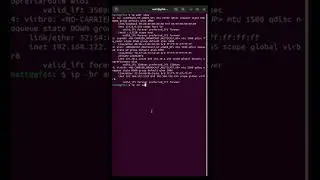
ip link show
sudo nano /etc/netplan/01-network-manager-all.yaml
sudo netplan apply
ip address show
and the contents of the file (for example)
network:
version: 2
ethernets:
enp0s3:
dhcp4: false
addresses: [192.168.1.10/24]
gateway4: 192.168.1.1
nameservers:
addresses: [192.168.1.1]
------------------------------------------ Get Social ------------------------------------------
Facebook: / crazylogica
Twitter: / crazy__logic
Instagram: / crazy__logic
Github: https://github.com/crazy-logic
Twitch: / crazy__logic
Webby: http://www.crazy-logic.co.uk.
------------------------------------------ Go Shopping ------------------------------------------
Amazon affiliate links
► Raspberry Pi kit - https://amzn.to/3ebdtQJ
On this page of the site you can watch the video online #33 - Ubuntu 20.04 set a Static IP with netplan with a duration of hours minute second in good quality, which was uploaded by the user Crazy-Logic 20 April 2020, share the link with friends and acquaintances, this video has already been watched 12,111 times on youtube and it was liked by 92 viewers. Enjoy your viewing!