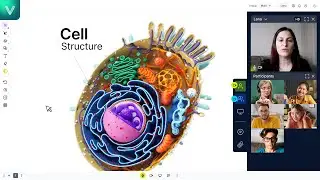
VEDAMO Virtual Classroom Tutorials - How to use the advanced settings
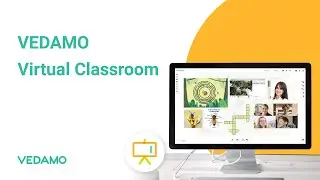
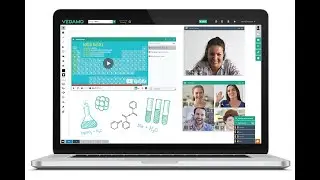
VEDAMO Virtual Classroom is an online platform for training sessions. It has a number of tools and functionalities which make it suitable for all kinds of educational organizations and corporations. The host of the online session has control over the settings of the virtual classroom, which allows combining various working formats: https://www.vedamo.com/virtual-classr...
SEE MORE:
In this video you’ll see how to adjust participants’ permissions for the online whiteboard, the chat and the file library before entering the virtual classroom.
Key moments:
00:00 – 00:16 – advanced settings menu
00:17 – 00:28 – invite observers in the virtual classroom
00:29 – 00:38 – participants’ access
00:40 – 01:16 – system check
01:17 – 01:31 – participants’ microphones and speakers
01:32 – 02:03 – access to the online whiteboard
02:05 – 02:19 – chat in the virtual classroom
02:20 – 02:28 – individual video and video mosaic
02:29 – 02:44 – uploading and downloading files in the virtual classroom
▲VEDAMO - https://www.vedamo.com/
▲Facebook - / vedamoelearning
▲Linkedin - / vedamo
▲Twitter - / vedamoelearning
▲Contact us at: [email protected]
En esta página del sitio puede ver el video en línea VEDAMO Virtual Classroom Tutorials - How to use the advanced settings de Duración hora minuto segunda en buena calidad , que subió el usuario VEDAMO 10 junio 2020, comparta el enlace con amigos y conocidos, en youtube este video ya ha sido visto 1,519 veces y le gustó 7 a los espectadores. Disfruta viendo!

![File Explorer Is Slow to Open in Windows 11/10 [FIXED]](https://image.4k-video.cc/id-video/jUDyiY4zR-M)