How to access windows share from linux (Demo)
in this video we will see a demo of how to share a folder on windows and then access from a centos linux machine.
commands you need to use:
ping 192.168.1.37 --------------- (ping the windows machine from linux)
sudo yum -y install samba-client samba-common cifs-utils
sudo mkdir -p /mnt/mount_name
smbclient L //windows_machine -U user ---------- test connectivity
cd /mnt/mount_name
sudo mount.cifs //windows_machine/mount_name /mnt/mount_name-o rw,username=user,file_mode=0777,dir_mode=0777
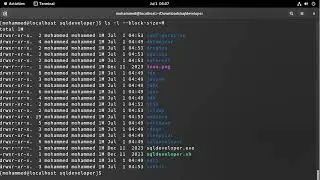
df k ------------ check to see if it is mounted
sudo umount /mnt/mount_name ---------- to unmount the CIFS share
my contacts
Email: [email protected]
FB : / moh.mi.dz
En esta página del sitio puede ver el video en línea How to access windows share from linux (Demo) de Duración hora minuto segunda en buena calidad , que subió el usuario Tech for All 01 diciembre 2021, comparta el enlace con amigos y conocidos, en youtube este video ya ha sido visto 8,514 veces y le gustó 56 a los espectadores. Disfruta viendo!