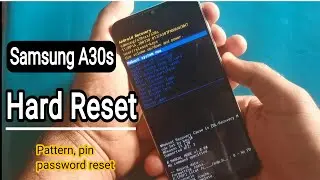
All Huawei Hard Reset | Remove Screen Lock/Pin/Pattern/Password
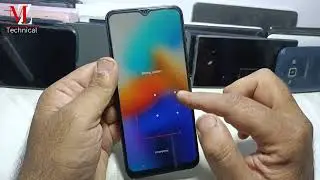
All Huawei Reset method if u forgot screen lock so u can hard reset Huawei by video method
Before hard reset//
A factory reset will erase all data from the storage space of your phone, including
Your accounts App data and system setting Installed apps, music files, images, and all files in the internal storage
Make sure to back up your data before a factory reset. A factory reset will not change the android version of your phone.
Before resetting your phone, log out of your HUAWEI ID. Otherwise, your phone may not be activated after the reset.
If you have logged in to your Google account, you will be asked to verify your account password after a forced factory reset.
There are two kinds of reset
Hard reset and soft reset
Soft reset
Open Settings
go to System & updates Reset Factory data reset, and touch Reset phone. You will be asked to enter the lock screen password if it has been set. Please follow the on-screen prompts to reset
Hard reset
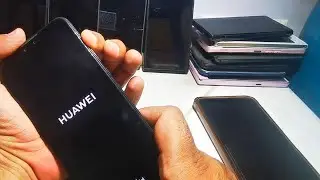
Press and hold the power button for about 5 seconds. When the power-on vibration occurs, press and hold the volume up button for about 2 seconds. The system enters the recovery mode after about 10 seconds of black screen.
Mate 40 series, nova Y 70 series, Honor 30 Lite, Honor X10 Max, Honor Play4, Honor Play9A, and Honor X10
#huaweihardreset
#hardresetandroidphone
Sur cette page du site, vous pouvez voir la vidéo en ligne All Huawei Hard Reset | Remove Screen Lock/Pin/Pattern/Password durée heure minute seconde en bonne qualité , qui a été Téléchargé par l'utilisateur MZ Technical 01 septembre 2024, Partagez le lien avec vos amis et connaissances, sur youtube cette vidéo a déjà été regardée 405 fois et il a aimé 1 téléspectateurs. Bon visionnage!