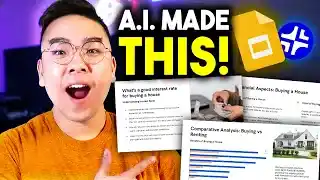
Google Docs Building Blocks, Smart Chips, Dropdown EXPLAINED! *tutorial*
In today's video, I kind of just want to highlight these features that Google Docs released recently that you can add to your Google Docs document that will allow you to collaborate even more. The best part is that these are implemented in the native application, meaning that you don't have to install any third-party extensions to use these features in your current Google Doc document. Let me know how these building blocks, smart chips, and dropdowns have helped you out in your Google Doc workflow!
Timeline:
00:00 Intro
00:17 Building Blocks
01:58 Smart Chips - Date
03:11 Smart Chips - People
03:44 Smart Chips - Location
05:19 Shortcut
06:07 Dropdowns
07:18 Conclusion
==
Thank you for watching my video! Hope you enjoyed it and don’t forget to subscribe for more content like these~
Some Assets that may be used in this video:
Flaticon Icons & Logos: https://www.flaticon.com/
In questa pagina del sito puoi guardare il video online Google Docs Building Blocks, Smart Chips, Dropdown EXPLAINED! *tutorial* della durata di ore minuti seconda in buona qualità , che l'utente ha caricato Jeremy's Tutorials 08 November 2023, condividi il link con amici e conoscenti, su youtube questo video è già stato visto 1,699 volte e gli è piaciuto 30 spettatori. Buona visione!