Stencil Alpha Blend Mode in After Effects
After Effects CC 2024: How To Use Stencil Alpha Blend Mode
This quick tip will show you how to use the Stencil Alpha Blend Mode to clip footage inside of a Shape Layer in Adobe After Effects CC 2024.
———————
How To Use Stencil Alpha to create a clipping mask in Adobe After Effects
1. Add footage layer
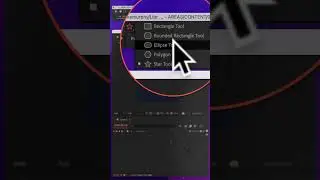
2. Add Shape Layer (ex. Circle) above the footage layer
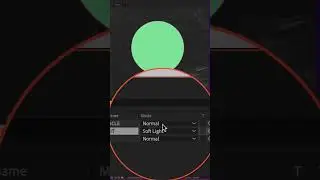
3. Change the Shape Layer Blend Mode to ‘Stencil Alpha’
4. The footage is now ‘clipped or inside’ the Shape Layer
How To Add A Background Layer Below Clipping Mask:
1. Select Footage + Shape Layer
2. Right-click and select Precompose
3. ‘Move All Attributes’
4. Add Layer below PreComp
Nesta página do site você pode assistir ao vídeo on-line Stencil Alpha Blend Mode in After Effects duração hora minuto segundo em boa qualidade , que foi baixado pelo usuário Mike Murphy | AI Handyman 12 Janeiro 2024, compartilhe o link com seus amigos e conhecidos, no youtube este vídeo já foi visto 68,711 vezes e gostou 1 mil espectadores. Boa visualização!