Inside my iPad SSH Setup
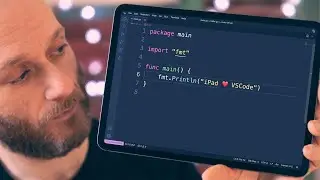
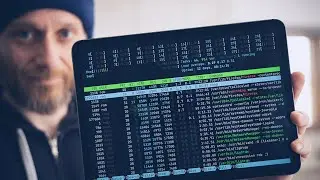
SSH is an essential tool for multi-machine setups. In this video, I'll take you through my setup for using the iPad as an SSH client, how to configure your hosts, how best to map your keyboard and how to get a slick-looking shell prompt.
CHAPTERS
==========
00:00 - Start
00:56 - Why not Remote Desktop?
01:37 - iPad SSH Clients
01:59 - Enabling SSH
02:55 - First Connection
03:39 - Host Aliases
04:49 - Key-Based Authentication
07:01 - Disable Password Login
07:54 - Cosmetic Customisations
09:31 - Keyboard Shortcuts
10:07 - Keyboard Remapping
12:24 - Session Reliability
13:24 - Shell Setup
14:20 - Prompt Configuration
LINKS
=====
* Windows SSH Setup : https://docs.microsoft.com/en-us/wind...
* Blink Shell: https://blink.sh
* Starship: http://starship.rs/
GEAR
=====
* iPad Pro 11" - https://geni.us/H0qJ
* Apple Magic Keyboard - https://geni.us/8uBg
* Anker Thunderbolt 3 Cable - https://geni.us/BTOsQ
* Aluminium Armour Case - https://geni.us/M5ph
AFFILIATE LINKS
==============
Tech Craft is a participant in the Amazon EU Associates Programme, an affiliate advertising programme designed to provide a means for sites to earn advertising fees by advertising and linking to Amazon.co.uk
На этой странице сайта вы можете посмотреть видео онлайн Inside my iPad SSH Setup длительностью часов минут секунд в хорошем качестве, которое загрузил пользователь Tech Craft 24 Апрель 2022, поделитесь ссылкой с друзьями и знакомыми, на youtube это видео уже посмотрели 113,255 раз и оно понравилось 2.3 тысяч зрителям. Приятного просмотра!