How To Import Click ID/UTM Conversion-Tracking URL Query Parameters Into Kartra Using KCSG DataLink
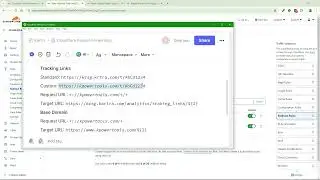
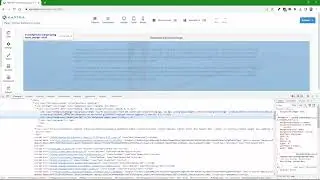
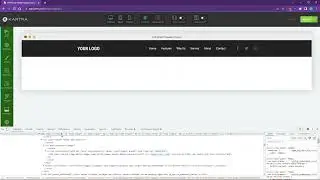
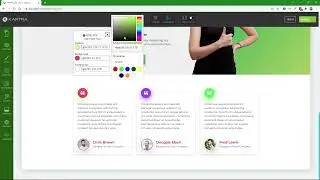
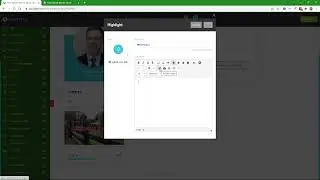
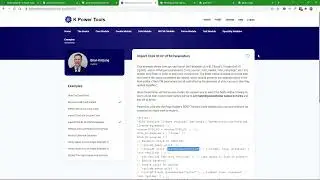
This video provides a walk-through of how to import click IDs (such as Google's gclid or Facebook's fbclid) and/or UTM parameters (utm_source, utm_media, utm_campaign, utm_term, and utm_content) into Kartra lead records using hidden, custom Kartra form fields and the KCSG DataLink library (https://www.kpowertools.com/kcsg-data....
UPDATE: It turns out that Kartra capitalizes the first character of the placeholder value for its checkout forms but not for its opt-in forms. For consistent handling in both contexts, I now suggest you always make sure that at least the first character of the placeholder is uppercase. The code for this demo, available in the documentation when you purchase the product, has been updated to use all caps for the corresponding placeholders (e.g. FBCLID for the fbclid field, UTM_SOURCE for the utm_source field, etc.).
На этой странице сайта вы можете посмотреть видео онлайн How To Import Click ID/UTM Conversion-Tracking URL Query Parameters Into Kartra Using KCSG DataLink длительностью часов минут секунд в хорошем качестве, которое загрузил пользователь busres.com 30 Январь 2022, поделитесь ссылкой с друзьями и знакомыми, на youtube это видео уже посмотрели 217 раз и оно понравилось 1 зрителям. Приятного просмотра!