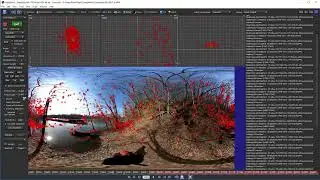
Exporting Spherical Screens with SynthEyes
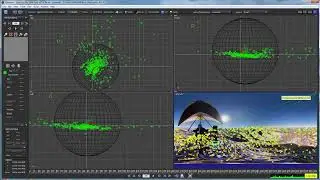
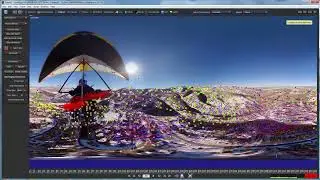
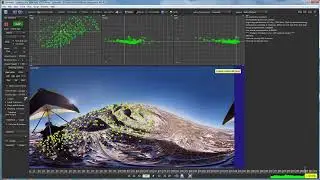
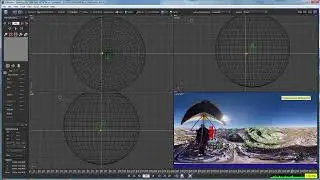
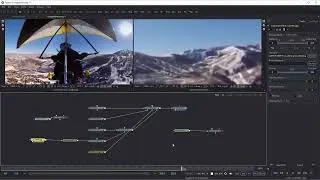
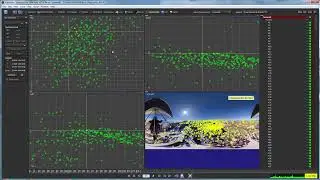
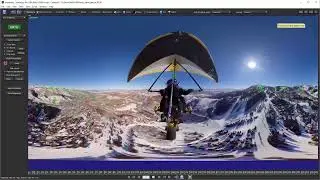
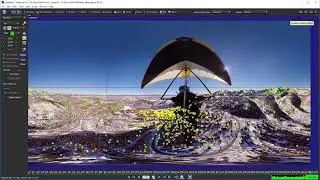
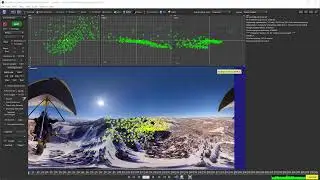
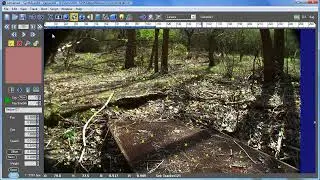
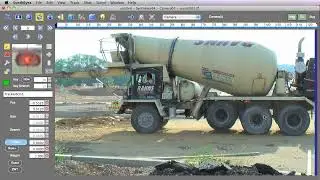
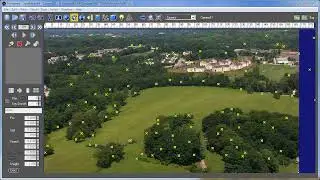
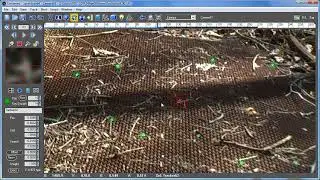
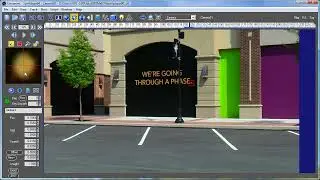
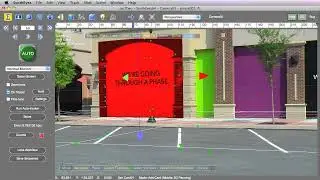
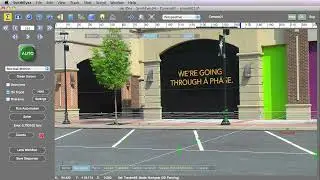
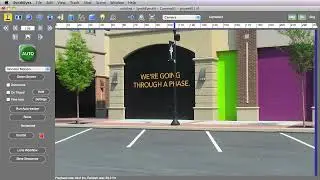
In this tutorial, Russ Andersson demonstrates how to transfer a stabilized 360 VR shot from SynthEyes to a downstream 3D application, even if it lacks full VR capabilities. Starting with a pre-stabilized scene, Russ explains how to create a viewing sphere using the "create spherical screen" script in SynthEyes. This sphere is animated to stabilize the footage in the downstream application. Russ uses Fusion as an example, showing how to connect the texture of the original footage to the sphere. He also discusses adjustments to the scene, adding textures, and managing lens distortion. The tutorial highlights how this approach avoids an additional resampling stage, making the process more efficient. This method can be applied to any 3D application, not just Fusion.
On this page of the site you can watch the video online Exporting Spherical Screens with SynthEyes with a duration of hours minute second in good quality, which was uploaded by the user Boris FX Learn 21 August 2024, share the link with friends and acquaintances, this video has already been watched 71 times on youtube and it was liked by 1 viewers. Enjoy your viewing!