How to create and delete users in Linux || useradd || userdel
#useradd #userdel #linux #linuxessentials
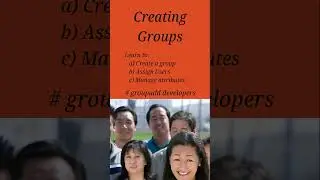
How to create a user using useradd command in Linux?
to create a new user use the useradd command. The syntax is:
#useradd username
The useradd command can be executed only with admin permissions. The details of all users are available in /etc/passwd file
The options available with useradd are:
-d: to create a home directory
-u : to add a UID of choice
-g: to assign user to an existing group
-G: to add user to supplementary group
For more details visit: https://dextutor.com/useradd-command-...
The command to delete a user is userdel. Syntax:
#userdel username
Again this command can be executed only by the admin
For more details: https://dextutor.com/userdel-command-...
Website Link: www.dextutor.com
All the material along with PPT is available at : https://dextutor.com/courses/linux-co...
Linux Essential Playlist: https://tinyurl.com/dextutorLinux
Operating System Playlist: https://tinyurl.com/dextutorOS
Operating System Lab Playlist: https://tinyurl.com/dextutorOSLab
how to use -d option with useradd
how to use -u option with useradd
how to use -g option with useradd
how to use -G option with useradd
how to use -f option with userdel
On this page of the site you can watch the video online How to create and delete users in Linux || useradd || userdel with a duration of hours minute second in good quality, which was uploaded by the user DexTutor 27 August 2020, share the link with friends and acquaintances, this video has already been watched 3,348 times on youtube and it was liked by 61 viewers. Enjoy your viewing!