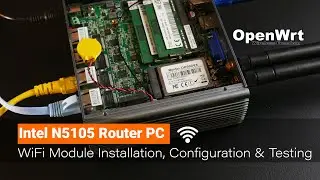
OpenWRT - Intel N5105 Router PC WiFi Module Install & Configuration (QCA9880)
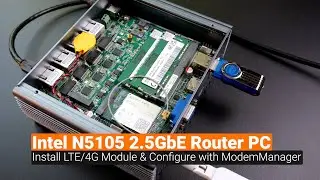
In this video, I am going to install the Wallys DR900VX Wireless Module (Qualcomm-Atheros QCA9880 chipset) on the Intel N5105 Router PC and configure it. At the end, there will be a quick iperf3 throughput test.
Basically, the installation is very simple and you just need to install the below packages if you are using modules that is based on the QCA988x:
ath10k-firmware-qca988x-ct (Alternative ath10k firmware for QCA988X from Candela Technologies.)
kmod-ath10k-ct (ath10k-ct driver optimized for CT firmware)
hostapd ( to enable 802.1x/WPA/EAP/RADIUS Authenticator)
Video timeframe:
00:00 - Intro & Hardware Overview
01:11 - Check if the Wireless Network Adapter is Detected (LuCI & lspci)
02:35 - Overview of firmware & driver for the QCA988x module
03:39 - Install QCA998x firmware & driver on LuCI
04:51 - Setup the WiFI SSID & Connection Check
07:28 - WiFi Throughput Test with iperf3
That's all for this video. Thanks for watching and see you in the next one!
In questa pagina del sito puoi guardare il video online OpenWRT - Intel N5105 Router PC WiFi Module Install & Configuration (QCA9880) della durata di ore minuti seconda in buona qualità , che l'utente ha caricato Van Tech Corner 23 luglio 2023, condividi il link con amici e conoscenti, su youtube questo video è già stato visto 7,002 volte e gli è piaciuto 100 spettatori. Buona visione!