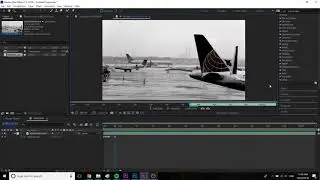
After Effects - Layer In and Out Points - Keyboard Shortcuts (Very Quick Tutorial)
Here are the trim controls in After Effects:
Go to layer in: i
Go to layer out: o
Move layer in to playhead: [
Move layer out to playhead: ]
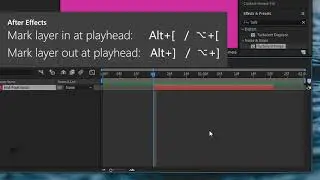
Mark layer in at playhead: Alt+[ / ⌥+[
Mark layer out at playhead: Alt+] / ⌥+]
BONUS
Time stretch in to playhead: Ctrl+Shift+, ⌘+Shift+,
Time stretch out to playhead: Ctrl+Alt+, / ⌘+⌥+,
This is another in my series of very-quick tutorials. No intros, no blabbing, just the information. As all tutorials should be.
All my tutorials: • Very Quick Tutorials
My other stuff: https://dominicmulligan.com
#aftereffects #tutorial #shortcut
-----------------------
Very Quick Tutorial #5 - Trim controls in after effects - setting layer in and out points, moving layers, and time-stretching layers.
In questa pagina del sito puoi guardare il video online After Effects - Layer In and Out Points - Keyboard Shortcuts (Very Quick Tutorial) della durata di ore minuti seconda in buona qualità , che l'utente ha caricato Dominic Mulligan 03 giugno 2020, condividi il link con amici e conoscenti, su youtube questo video è già stato visto 19,085 volte e gli è piaciuto 267 spettatori. Buona visione!