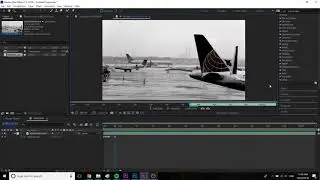
After Effects - Layer In and Out Points - Keyboard Shortcuts (Very Quick Tutorial)
Here are the trim controls in After Effects:
Go to layer in: i
Go to layer out: o
Move layer in to playhead: [
Move layer out to playhead: ]
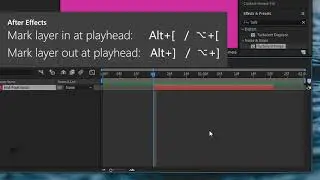
Mark layer in at playhead: Alt+[ / ⌥+[
Mark layer out at playhead: Alt+] / ⌥+]
BONUS
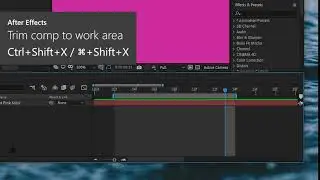
Time stretch in to playhead: Ctrl+Shift+, ⌘+Shift+,
Time stretch out to playhead: Ctrl+Alt+, / ⌘+⌥+,
This is another in my series of very-quick tutorials. No intros, no blabbing, just the information. As all tutorials should be.
All my tutorials: • Very Quick Tutorials
My other stuff: https://dominicmulligan.com
#aftereffects #tutorial #shortcut
-----------------------
Very Quick Tutorial #5 - Trim controls in after effects - setting layer in and out points, moving layers, and time-stretching layers.
On this page of the site you can watch the video online After Effects - Layer In and Out Points - Keyboard Shortcuts (Very Quick Tutorial) with a duration of hours minute second in good quality, which was uploaded by the user Dominic Mulligan 03 June 2020, share the link with friends and acquaintances, this video has already been watched 19,085 times on youtube and it was liked by 267 viewers. Enjoy your viewing!