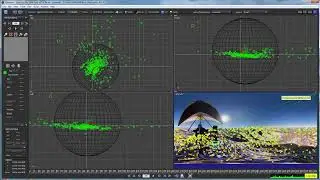
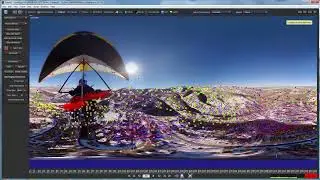
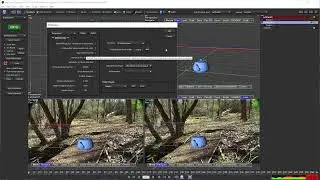
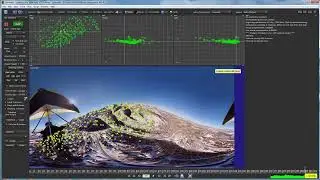
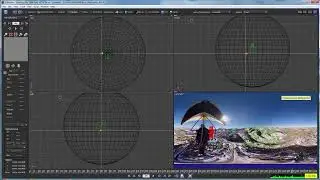
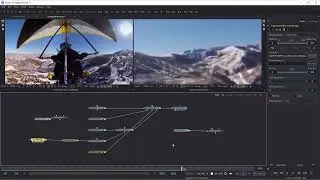
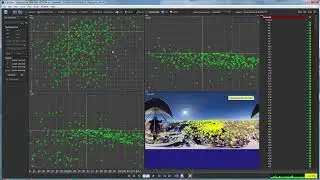
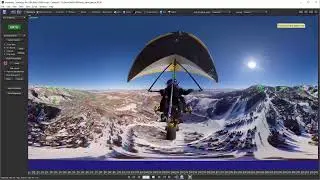
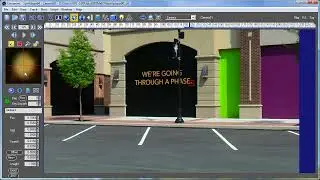
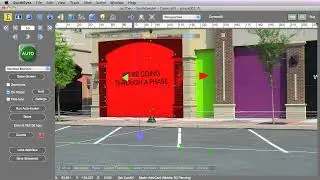
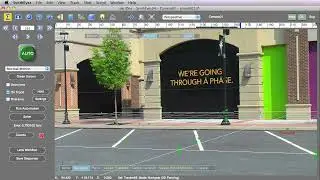
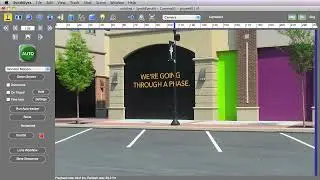
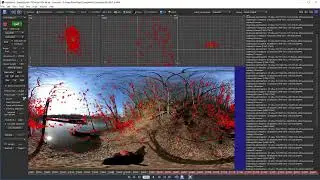
07 When It All Goes Wrong [Mocha Essentials]
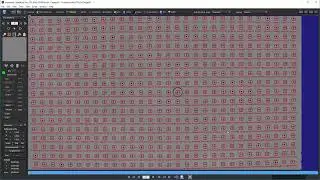
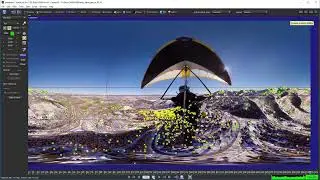
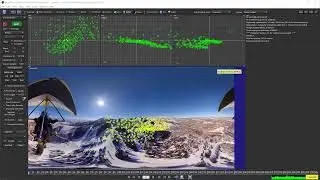
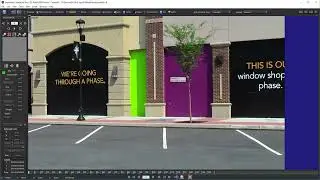
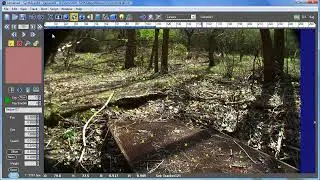
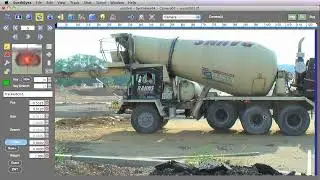
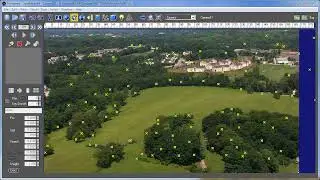
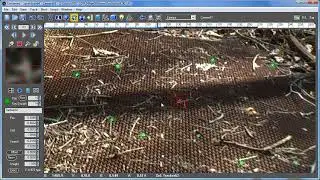
One of the comments we often hear from users, "That Demo is Nice but What happens when it all goes wrong on a real world shot?" Well friends, we have you covered. In this example we will cover how to manually move the track when you encounter problem areas, how you can change parameters to remove interference in your track, when to adjust where the track is looking with your search area, what you should be tracking, and when sometimes you need to switch from GPU to CPU tracking to track difficult textures.
Sometimes a shot won’t track, and you can’t figure out why. We go through a mental checklist to see how to improve troublesome tracks. At the end of this lesson you should be able to tackle some of the more difficult challenges that you may encounter in the field.
Chapter List
00:00 Start
00:24 Fixing objects that go offscreen with Manual Track
01:39 The Power of Changing Parameters
03:15 Working with the Search Area
03:53 The hidden fix - GPU vs CPU tracking
04:38 What you should be tracking
Watch the full series free! https://bit.ly/31JZ2OG
Want access to the videos offline + all project files? Get the Premium Download for only $29! https://bit.ly/39JPh7A
#borisfx #mocha #motiontracking
On this page of the site you can watch the video online 07 When It All Goes Wrong [Mocha Essentials] with a duration of hours minute second in good quality, which was uploaded by the user Boris FX Learn 20 April 2021, share the link with friends and acquaintances, this video has already been watched 26,027 times on youtube and it was liked by 371 viewers. Enjoy your viewing!