Tutorial: My New Rigging Workflow in Blender
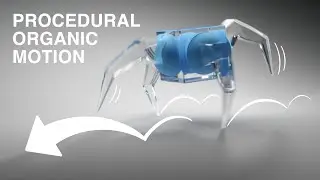
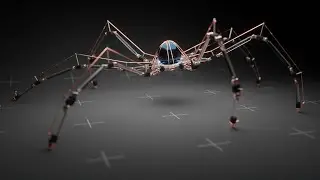
In this tutorial we'll be rigging two different things! One is a six legged creature, and the other is a hand. We'll be using Inverse Kinematics and a workflow where we make the rig first, and then add the parts later!
Get the Mechanical Creature Kit here:
Blender Market: https://www.blendermarket.com/product...
Gumroad: https://polyfjord.gumroad.com/l/mecha...
How to install the Mechanical Creature Kit: • How to install Mechanical Creature Kit
#b3d #rigging
00:00 My previous workflow
00:28 Adding bones to the rig
02:34 Setting up the IK constraints
03:55 Locking bone axes
05:37 Making more legs
06:28 The benefits of this workflow
06:57 My current workflow
07:57 Cinematic: A six legged creature!
08:15 Rigging a walking hand
10:21 Cinematic: A walking hand!
10:49 The Mechanical Creature Kit
11:21 How to make your own rig for this kit
11:48 Help! Does any one know how to batch parent bones?
12:21 Thanks for watching!
On this page of the site you can watch the video online Tutorial: My New Rigging Workflow in Blender with a duration of hours minute second in good quality, which was uploaded by the user Polyfjord 12 December 2022, share the link with friends and acquaintances, this video has already been watched 732,564 times on youtube and it was liked by 27 thousand viewers. Enjoy your viewing!