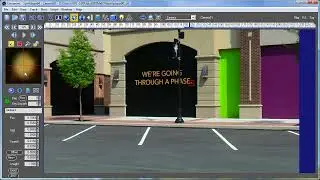
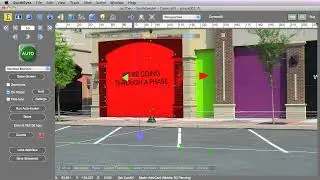
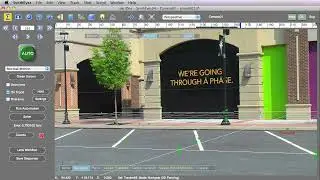
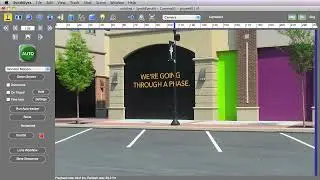
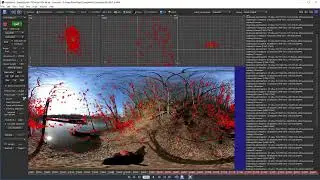
Continuum Avid Essentials - 06B Mocha Masking
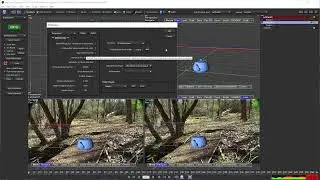
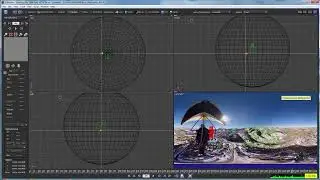
While Pixel Chooser offers several options for limiting filters to shape or color regions of the frame, it is also the doorway to accessing Mocha masking and tracking functionality.
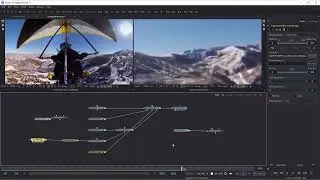
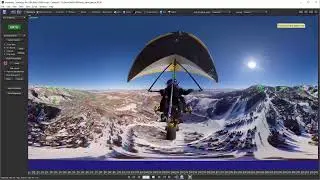
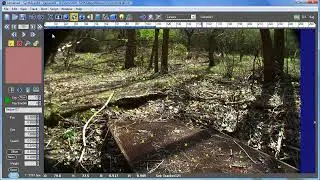
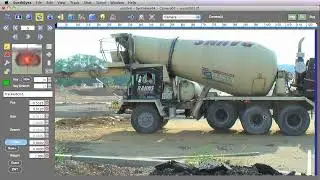
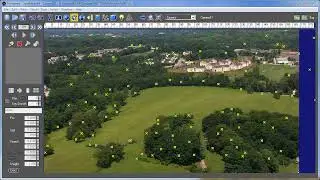
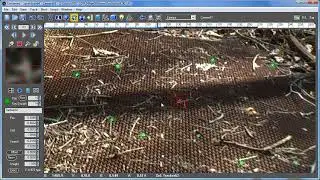
In this video, we'll learn how to access Mocha Masking in BCC+ effects and how to change our mask shape directly inside the host.
00:00 Start
00:38 Applying BCC+ Grade
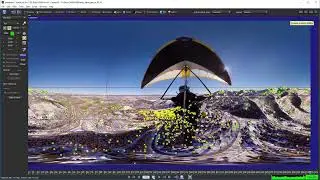
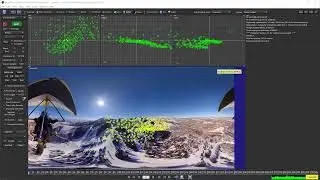
00:55 Launching Mocha
02:30 Using the Rectangle Tool
03:02 Tracking the Shape
04:33 Using the X-Spline Tool
05:25 Linking Layers
06:30 Adding the X-Spline Shape
07:58 Masking the neck
09:40 Bringing the masks back to Avid
11:38 Exporting a Mocha Project
12:10 Applying the saved Mocha masks to another filter
** Buy the Premium Download ($29): https://bit.ly/3WxK1x3
** Learn more about Continuum: https://bit.ly/3SEOTNn
Footage is provided courtesy of Claude Quammie (https://www.cquammie.com), and Eugene Heats taken from Crosschains ( / crosschains )
#avid #continuum #borisfx
On this page of the site you can watch the video online Continuum Avid Essentials - 06B Mocha Masking with a duration of hours minute second in good quality, which was uploaded by the user Boris FX Learn 04 June 2024, share the link with friends and acquaintances, this video has already been watched 705 times on youtube and it was liked by 7 viewers. Enjoy your viewing!