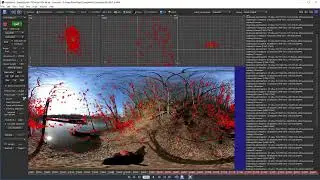
02b Paint Node Basics The Basic Setup [Silhouette Essentials - Paint]
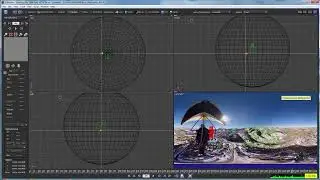
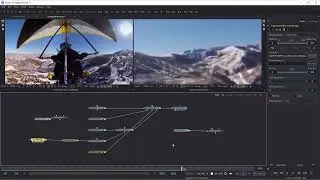
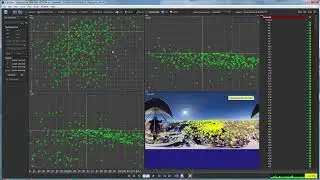
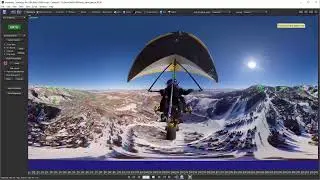
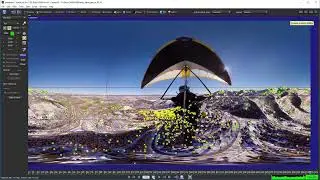
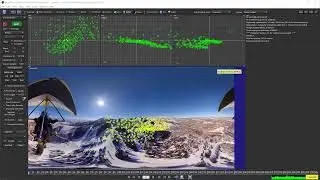
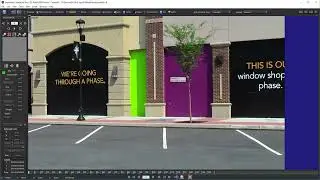
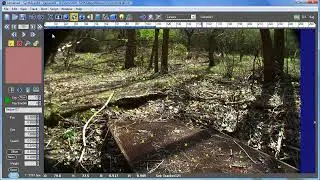
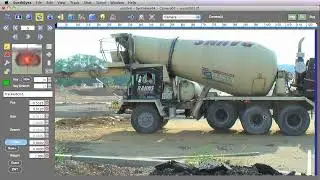
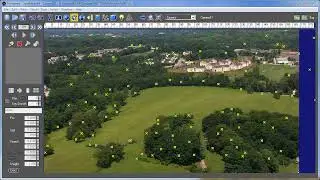
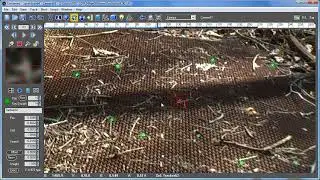
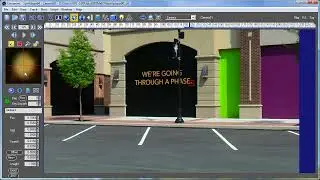
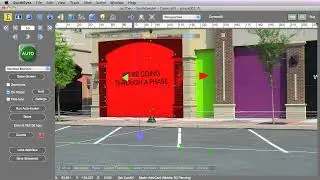
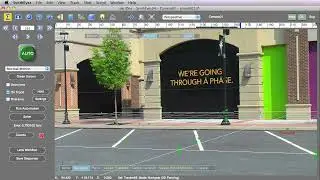
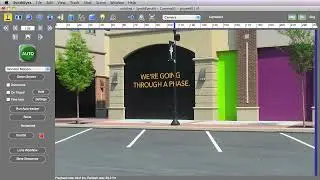
It's time to explore the node basics and different brush types in the Paint node of Boris FX Silhouette. Starting with a setup involving the Roto node for tracking, we demonstrate how to use auto-paint by connecting the Roto and Paint nodes. Key steps include adjusting the brush size, making paint strokes, and applying tracking data. We explore the Paint node’s sources, outputs, and their roles in compositing. Various brushes and their functionalities are showcased, including the black-and-white, blemish, blur, detail, clone, color, color correct, dodge, burn, cutout, drag, eraser, grain, mosaic, repair, scatter, and strokes tools. Each brush is briefly demonstrated, highlighting unique features and practical applications. The session emphasizes efficient workflows and offers insights into advanced painting techniques within Silhouette.
This is the free version of Silhouette Essentials - Paint with Katie Morris, digital VFX artist and trainer.
Get the full training course for download, including projects and media. Visit https://borisfx.com for the Premium series.
Chapter List
00:34 Node structure
02:46 Multiple source inputs
03:33 Outputs from the Paint node
04:31 Quick overview of the tools
#paint, #vfx, #borisfx, #silhouette
Sur cette page du site, vous pouvez voir la vidéo en ligne 02b Paint Node Basics The Basic Setup [Silhouette Essentials - Paint] durée heure minute seconde en bonne qualité , qui a été Téléchargé par l'utilisateur Boris FX Learn 12 février 2025, Partagez le lien avec vos amis et connaissances, sur youtube cette vidéo a déjà été regardée 1,445 fois et il a aimé 26 téléspectateurs. Bon visionnage!