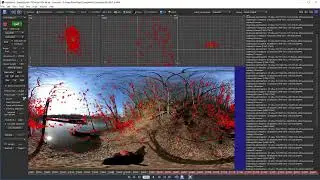
02b Paint Node Basics The Basic Setup [Silhouette Essentials - Paint]
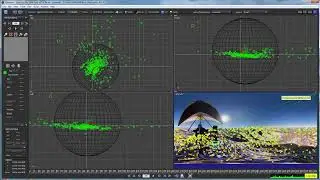
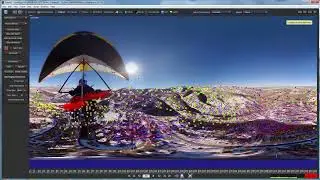
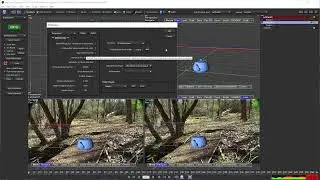
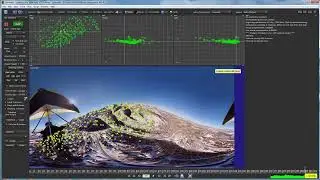
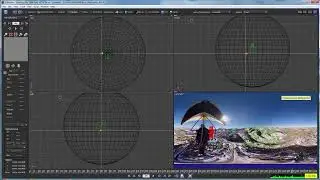
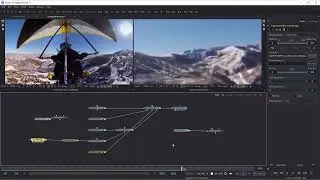
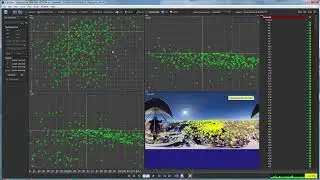
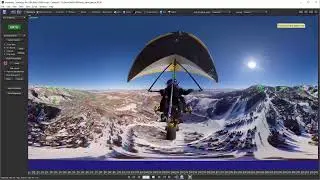
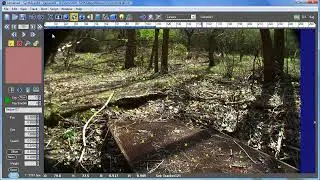
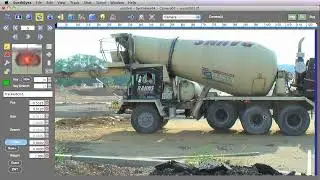
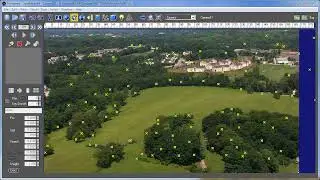
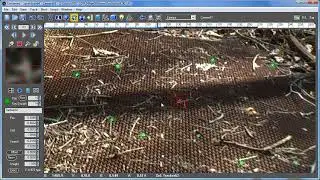
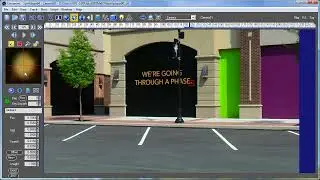
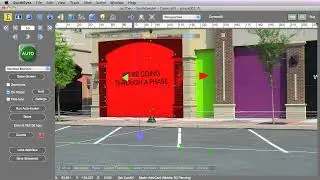
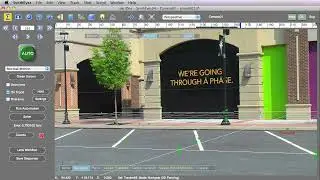
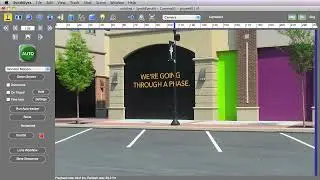
It's time to explore the node basics and different brush types in the Paint node of Boris FX Silhouette. Starting with a setup involving the Roto node for tracking, we demonstrate how to use auto-paint by connecting the Roto and Paint nodes. Key steps include adjusting the brush size, making paint strokes, and applying tracking data. We explore the Paint node’s sources, outputs, and their roles in compositing. Various brushes and their functionalities are showcased, including the black-and-white, blemish, blur, detail, clone, color, color correct, dodge, burn, cutout, drag, eraser, grain, mosaic, repair, scatter, and strokes tools. Each brush is briefly demonstrated, highlighting unique features and practical applications. The session emphasizes efficient workflows and offers insights into advanced painting techniques within Silhouette.
This is the free version of Silhouette Essentials - Paint with Katie Morris, digital VFX artist and trainer.
Get the full training course for download, including projects and media. Visit https://borisfx.com for the Premium series.
Chapter List
00:34 Node structure
02:46 Multiple source inputs
03:33 Outputs from the Paint node
04:31 Quick overview of the tools
#paint, #vfx, #borisfx, #silhouette
On this page of the site you can watch the video online 02b Paint Node Basics The Basic Setup [Silhouette Essentials - Paint] with a duration of hours minute second in good quality, which was uploaded by the user Boris FX Learn 12 February 2025, share the link with friends and acquaintances, this video has already been watched 1,445 times on youtube and it was liked by 26 viewers. Enjoy your viewing!